
The security operations workbook library
Excel templates for security guard operations
Organize shifts, patrol records and operational follow-up. Find a focused worksheet for the task, then adapt it to your own site procedures.
A clear record for the next shift.
- Keep planned and actual hours distinct
- Use dated site and post references
- Check the file before using its results
Available workbooks
Open the library →More from the library
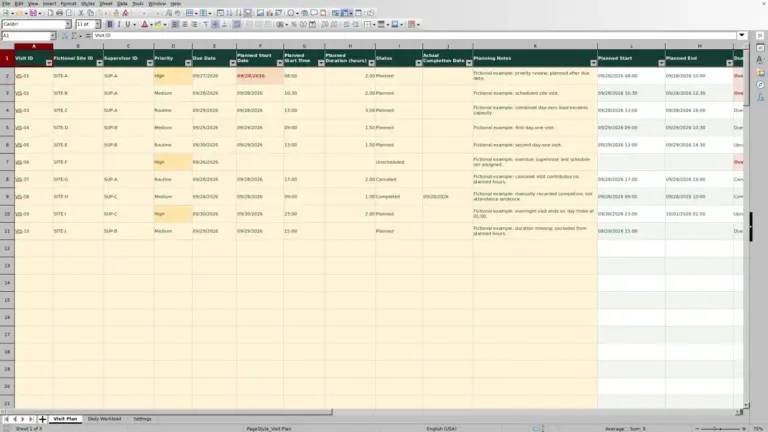
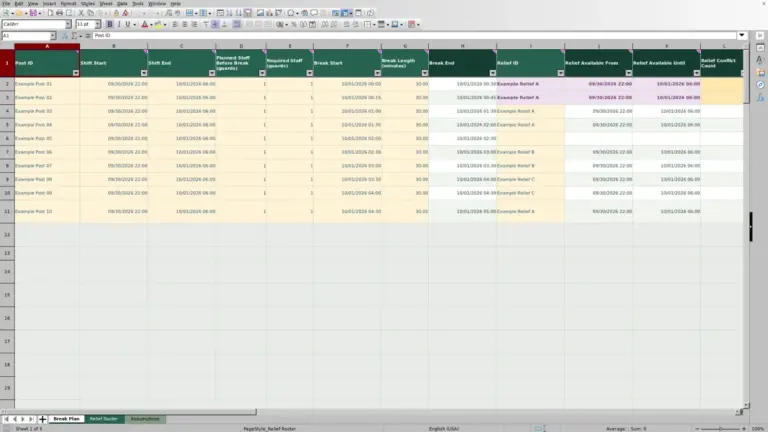
From assignment to follow-up
Compare the six categories →Find your part of the workflow
Staffing17 publishedDated guard assignments, availability, relief cover and recorded hours.Patrols0 publishedPatrol rounds, checkpoint entries and shift handoff records.Incidents0 publishedIncident references, reporting status and follow-up actions.Equipment0 publishedEquipment issue, return, condition and custody reconciliation.Contracts0 publishedService hours, cost assumptions, rates and billing records.Quality0 publishedRecurring site reviews, findings and corrective-action checks.
Choose by decision
Different questions need different records
A roster is not proof that a post was covered. A patrol log is not an incident investigation. Choose the worksheet that matches the administrative question you need to answer.
Which posts still need cover?
Use Staffing for dated assignments, availability and relief coverage. Reconcile planned and actual hours.
What was recorded on the round?
Use Patrols to connect round references, checkpoint entries and outstanding follow-up.
Is custody reconciled?
Use Equipment to distinguish issued, returned, missing and unavailable items.
Which actions need verification?
Use Quality to connect findings, owners, due dates and recorded follow-up checks.
A practical starting point
From search to a working copy
- 01
Find the task
Search the published library or start with a workflow category.
- 02
Read the details
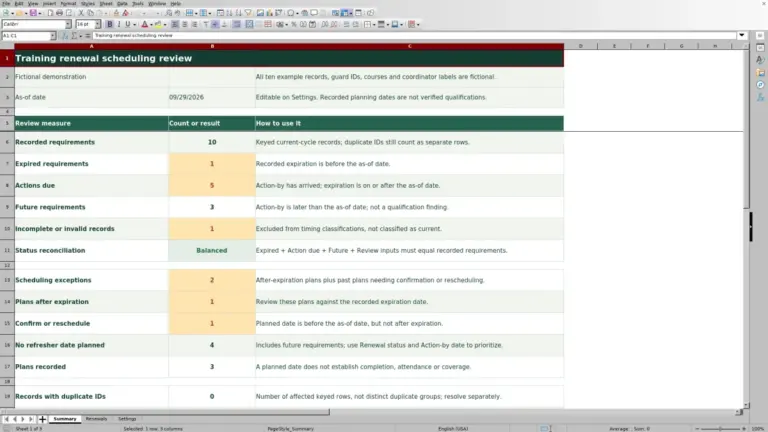
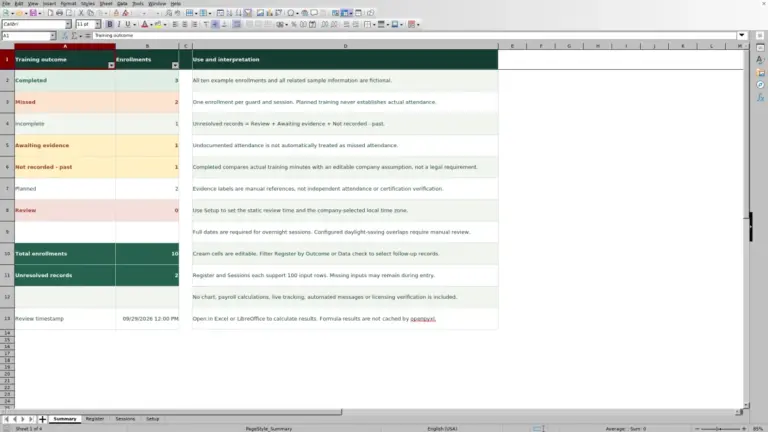
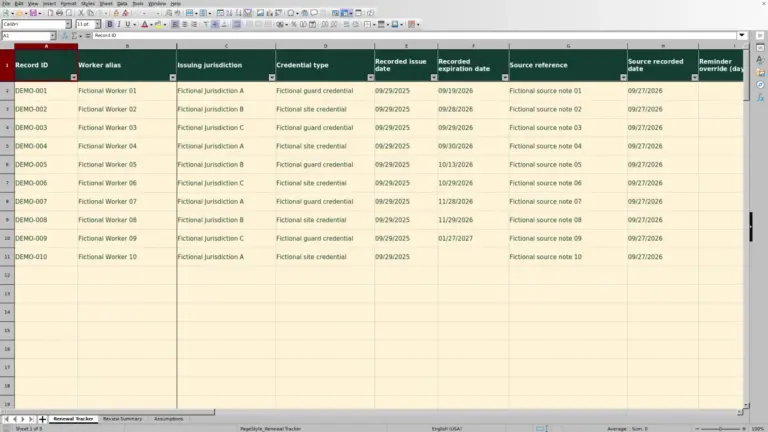
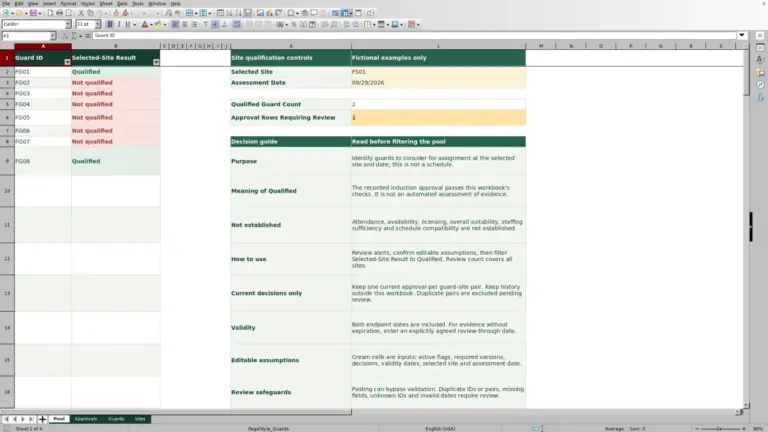
Check purpose, screenshots, sheets, required inputs and limitations.
- 03
Save the file
Use the workbook download on its own document page when available.
- 04
Test your copy
Replace examples, check units and validate results against a known job.
Prepare your inputs
Keep the date, post and status clear
Use stable site and post references, a defined time zone and both dates for an overnight shift. State whether hours are scheduled, worked or billable. A blank record and a confirmed zero are not the same thing.
Example figures illustrate a worksheet, not an agreed pay rate, a staffing recommendation or proof of compliance. Keep the original file, test a known example and store sensitive operational information only in your approved systems.
Using the library
Before you start
Which templates can I download now?
Only published workbooks appear in the library and its counters. An empty category describes planned coverage, not an available download.
Will a workbook run a guarding operation?
No. These files support specific calculations and records. Reconcile them with your approved job specifications and operational systems.
Can I change the formulas?
Work in a separate copy and test any change. Moving or deleting cells can break references; check totals with a small, known example before relying on them.